Key takeaways
- Separate the physical connection from protocol and application support.
- Specify the exact host environment and supported versions.
- Require interface evidence before writing machine-control code.
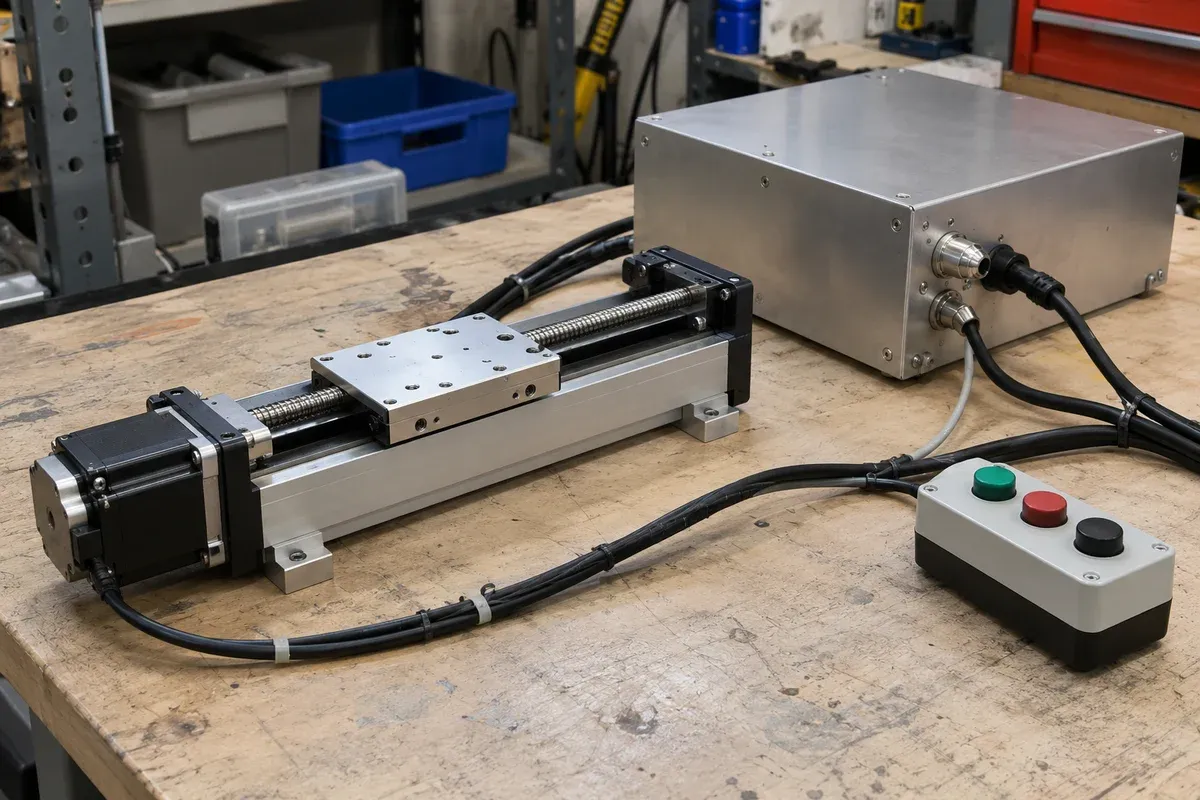
A PLC or PC integration can fail at several different layers even when two devices use the same connector. The electrical interface, message protocol, host software and application behavior each need their own evidence. A controller-interface checklist keeps those layers visible before hardware procurement and machine programming begin.
Describe the host environment precisely
For a PC, record the intended operating system, architecture, application environment and relevant deployment constraints. For a PLC, record the platform and available communication or motion resources at the level needed by the integration provider. Avoid using a broad phrase such as “works with Windows” or “PLC compatible” as the acceptance requirement.
Ask who supplies and maintains the host-side implementation. The scope may include a supported library, a documented protocol, sample code, a function block or custom integration work. These deliverables are not interchangeable, and sample code alone may not provide production error handling.
The Zaber controller-features article describes features of that manufacturer’s controllers. It is a reference for questions to ask, not evidence that the same interfaces or software accompany this catalogue.
Review the connection and protocol separately
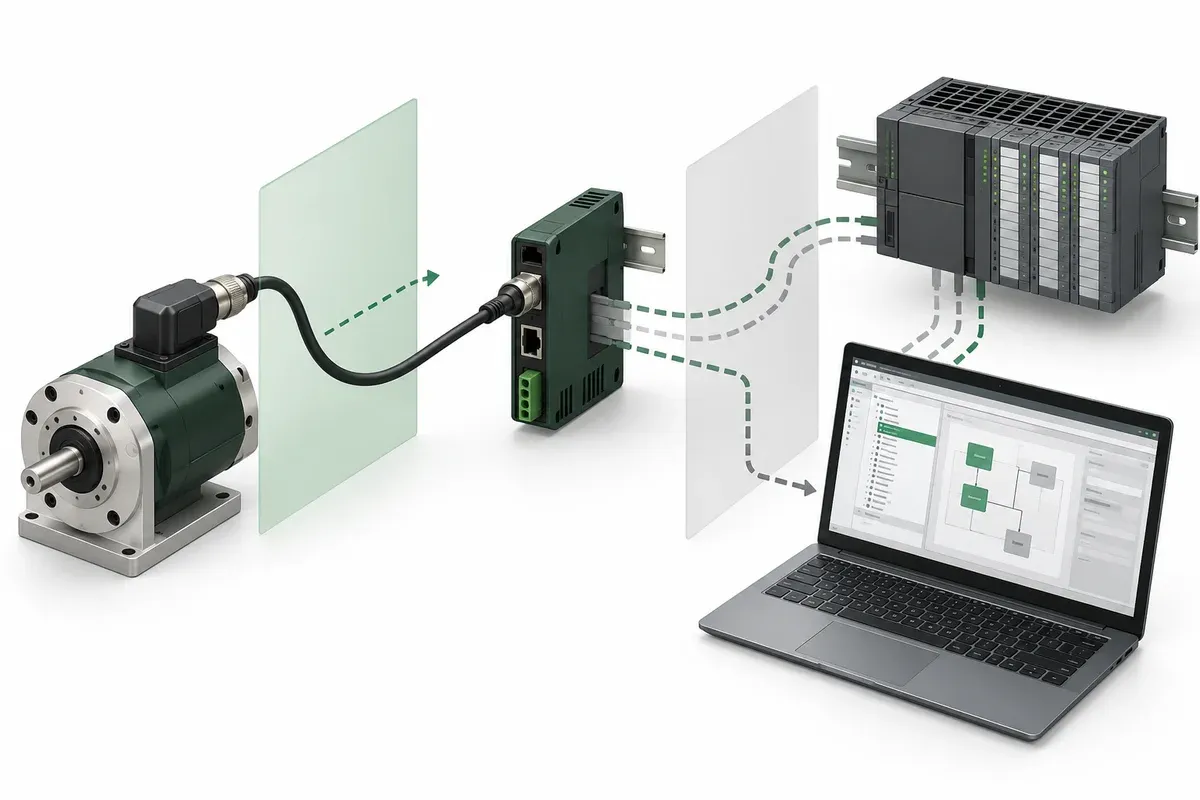
Request approved electrical documentation for the exact hardware revisions, including cable assemblies and relevant interface constraints. Do not assume that a connector shape establishes pin assignment or signal compatibility. Have the responsible electrical reviewer verify the complete connection design.
Then review the communications contract: addressing, units, message framing, command acceptance, status reporting and error definitions. Ask how the host identifies the intended device and axis, and how unsupported operations are reported. Record whether communication loss changes motion behavior or merely removes host visibility.
Keep access to documentation and configuration tools in the supply scope. A system can be technically capable yet difficult to maintain if only one contractor has the files needed to reproduce its setup.
PLC-or-PC interface checklist
- Identify host hardware, software versions and deployment restrictions.
- Request exact controller model, firmware and supported interface documentation.
- Confirm cable, connector and electrical-interface evidence through the responsible reviewer.
- Specify addressing, units, status semantics and fault reporting required by the application.
- Define ownership of libraries, licences, application code and configuration backups.
- Require a documented response to lost communication and uncertain command execution.
- Agree on representative integration tests and the maintenance handover package.
For each answer, store the supporting document and unresolved questions. “Available on request” should remain an open action until the actual information has been reviewed.
Hypothetical migration from PC to PLC
Imagine a laboratory prototype controlled by a PC application. The production concept proposes a PLC instead. The mechanical stage remains a plausible candidate, but the previous demonstration does not prove that the new host can reproduce every operation.
The team inventories which functions the prototype actually used: referencing, movement, status checks, acquisition handshakes and logging. It then asks how each function will be implemented and tested on the proposed PLC platform. A missing function becomes an explicit integration issue, rather than an assumption hidden in the phrase “same controller.”
The review also covers configuration transfer and diagnostics for maintenance staff. No protocol conversion box or software library is presumed to solve the gap without documentation and testing.
Accept maintainable behavior
Start with non-moving communication checks where appropriate, then proceed under the approved commissioning plan. Verify identity, unit interpretation, expected replies and rejected requests before relying on the interface in a process sequence. Do not treat an open port or a successful discovery message as complete integration.
The final acceptance should demonstrate the required application behavior under normal and relevant interrupted conditions. Include how a technician identifies a fault and restores the approved configuration without improvising settings.
Use the stage selector for the mechanical shortlist and the specification guide for evidence labels. Keep the controller-interface result as a separate deliverable: a supported, documented path from the chosen host to the specific motion configuration, with a clear owner for anything still unresolved.
Plan how unsupported host versions will be handled during maintenance, rather than allowing an ordinary computer replacement to become an unreviewed integration change.
Questions
Does a matching connector prove controller compatibility?
No. Electrical assignments, signal requirements and the communication protocol require separate confirmation.
Can a PC demonstration qualify a PLC implementation?
Not by itself. Map and verify the functions required on the proposed PLC platform.
What should the maintenance handover include?
Approved interface documents, versions, application ownership, configuration backups and diagnostic instructions appropriate to the delivered system.
Sources & scope
Sources support the specific points described below. General engineering guidance and third-party examples do not establish a catalogue model's performance or suitability.
- Zaber controller features
Only the existence of documented controller-specific features in the third-party example; no interface support is transferred.
Accessed
Related engineering resources
Continue reading
Motion Control & Automation
Absolute and relative moves in a repeatable work sequence
Choose absolute and relative move semantics, document units and references, and prevent duplicate execution during communication recovery.
Integration guide · 4 min read ·Motion Control & Automation
Acceleration and deceleration requirements for a loaded axis
Prepare load-specific acceleration and deceleration requirements without copying tuning values from an unloaded stage demonstration.
Integration guide · 4 min read ·From requirements to a quotation
Review your stage requirements
Share the motion envelope, payload, orientation and acceptance criteria. Request confirmation of the exact configuration before ordering.
Request a Quote